Web Platforms
Teachora.ai: Lecture & Substitution Management
Multi-campus lecture and teacher-substitution management for schools. When a teacher is on leave, Teachora builds the cover board and assigns free teachers within fair workload limits.
- Client
- Teachora.ai
- Industry
- Web Platforms
- Last updated
- 23 October 2026
Visit site (opens in a new tab)
Challenge
Schools with dense weekly timetables struggle when a teacher is absent. Admins hunt for free staff by hand, risk double-booking, and keep leaning on the same helpful teachers week after week. Cover work is slow, unfair and hard to audit.
Approach
Turn leave approval into the substitution workflow. Approving a leave generates every lecture it affects, then ranks the teachers who are free that period, on that campus and under their extra-lecture caps. Admins keep control: manual assignment, an emergency override that requires a reason, and cancellation that releases the workload again.
Outcome
Live and production-ready. Cover for an absent teacher is decided in one place, by rules the school sets, with a record of every exception — on desktop or as an installed app on a phone.
Stack
The problem
Every school with a period-based timetable has the same morning: a teacher calls in, and someone has to work out who covers each of their lectures. Doing it by hand means checking timetables for who is free, remembering who already covered yesterday, and hoping nobody gets booked twice. The same reliable teachers end up carrying the load, and there is no record of why a decision was made.
How it works
Teachora turns leave approval into an automated substitution workflow:
- An admin, or the teacher, creates a leave.
- On approval, Teachora generates every lecture that leave affects that day.
- Auto-assign ranks the eligible teachers: free that period, on that campus, and under their limits.
- Workload caps keep it fair — one extra lecture a day, plus weekly and monthly limits the school sets (two and eight by default).
- Admins can assign by hand, or override a limit in an emergency with a recorded reason.
- Cancelling a leave or a substitution releases the workload and clears the board.
Built for multi-campus schools
Each campus is isolated: its own timetable, staff and cover board, switched from one place, so a deployment with a Main and a Junior campus never mixes the two. Around the substitution engine sits the rest of the day-to-day operation:
- A leaves list and a substitutions board for admins
- Weekly timetables with conflict checks
- Roles for Super Admin, Admin, Editor and Teacher, with staff login accounts
- Settings, data import, reports, and login history for platform admins
- An installable PWA with web push, so cover decisions don't wait for a desktop
Teachers apply for leave and see their own timetable; admins see everything for their campus.
Engineering
Built on Next.js 16 and React 19 with route handlers validated by Zod, Auth.js credentials sign-in, and PostgreSQL on Neon through Prisma 7. Web Push uses VAPID keys, and the scheduling rules are covered by Vitest.
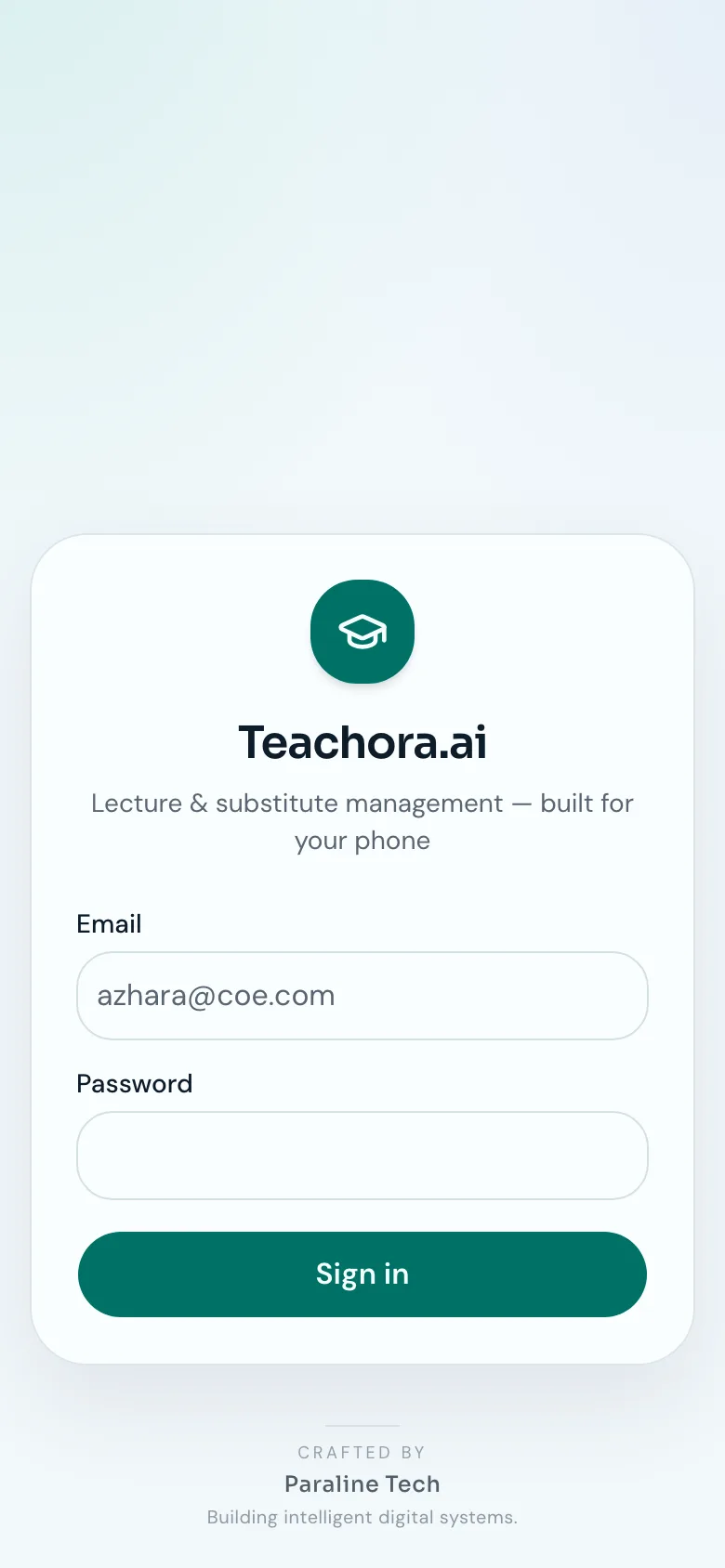
Screens
Next project
Online Ai learning with Punjab Board (PCTB)
AI & Automation